| Ink Configurations | |
|---|---|
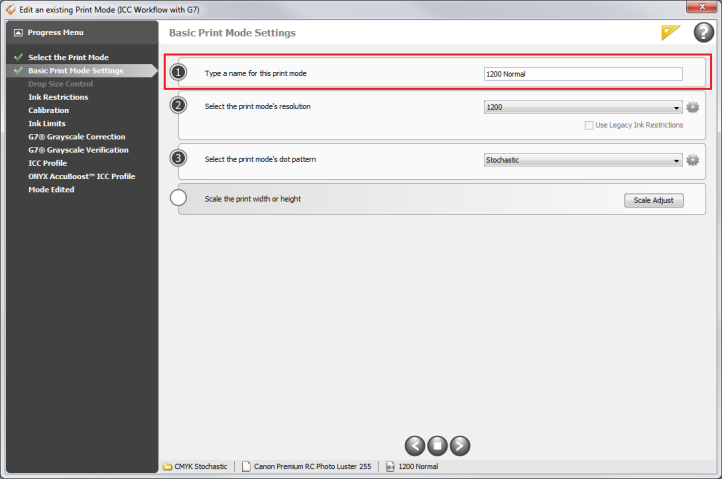
| Ink configurations represent the ink channels sent to the printer. Click the down-arrow and select your ink configuration (Figure 1). |
|
| Ink Configurations | |
|---|---|
| Ink configurations represent the ink channels sent to the printer. Click the down-arrow and select your ink configuration (Figure 1). |
|
|
Online Help Sections:
|
Did you find this information helpful? Leave feedback on this topic For technical support click here For more information about ONYX products please visit www.onyxgfx.com |